


























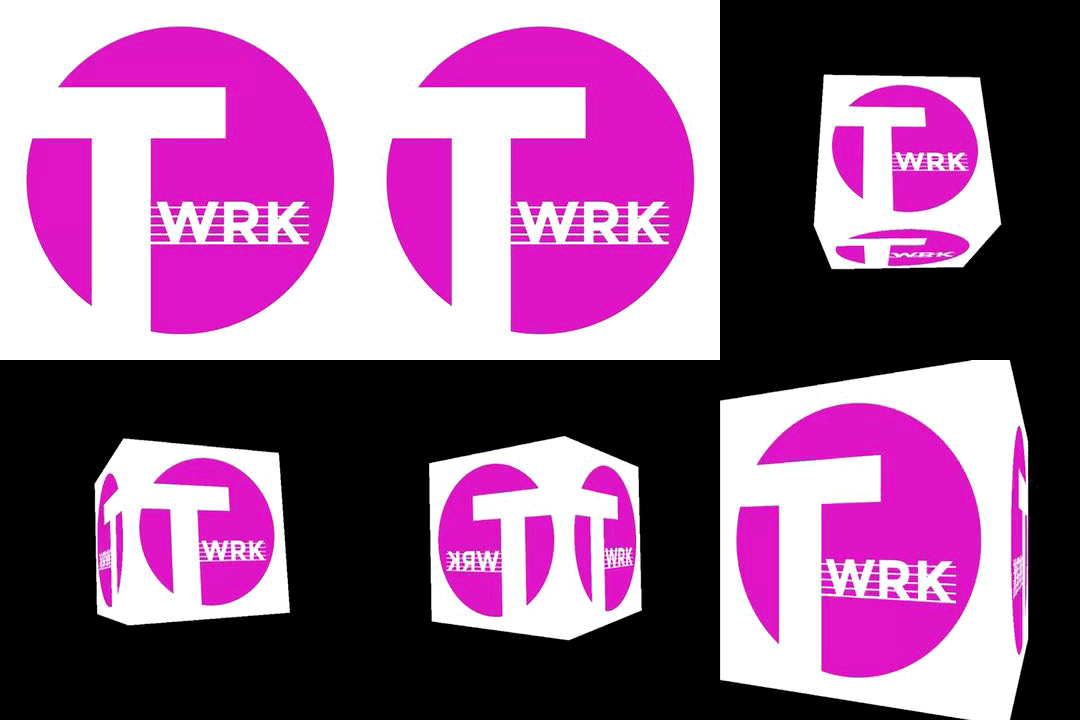

The TXTWRK icon based logo featuring the pink circle, with the letter T, complimenting WRK written on lines, enabled for all environments, with the ability to now animate our logo using various web languages.
Read More










































 LinkingFollowingConnectionsMessagesNotificationsSearchReelsCalendarMapsNotesNeedsContributionsTimetableIntelTo DosChecklistsSavesScrapboardLinksCoinsAdvertisingSubscriptionDonationLog BookBusinessAddressesInvestorFinancialsQuarterly'sSharesServerWorkspacePlaygroundAboutAIDDataDevImpressionsToolsEducationSafetyReader
Our mission is to help people make text work in daily life. Get investment, volunteers, donations & more publicly…
Join the journey & make a profile to remember... Discover our investment opportunities via our card: @TXTWRK
We developed & support the @UnitedKingdom movement through #UnitedKingdom
Loading latest public Local Pulse signal…
 Notes
Notes
 Needs
Needs
 Contributions
 Timetable
 Intel
Intel
 To Dos
 🗖 VIEW

 🗖 VIEW
COMMUNITY
People